Nota6
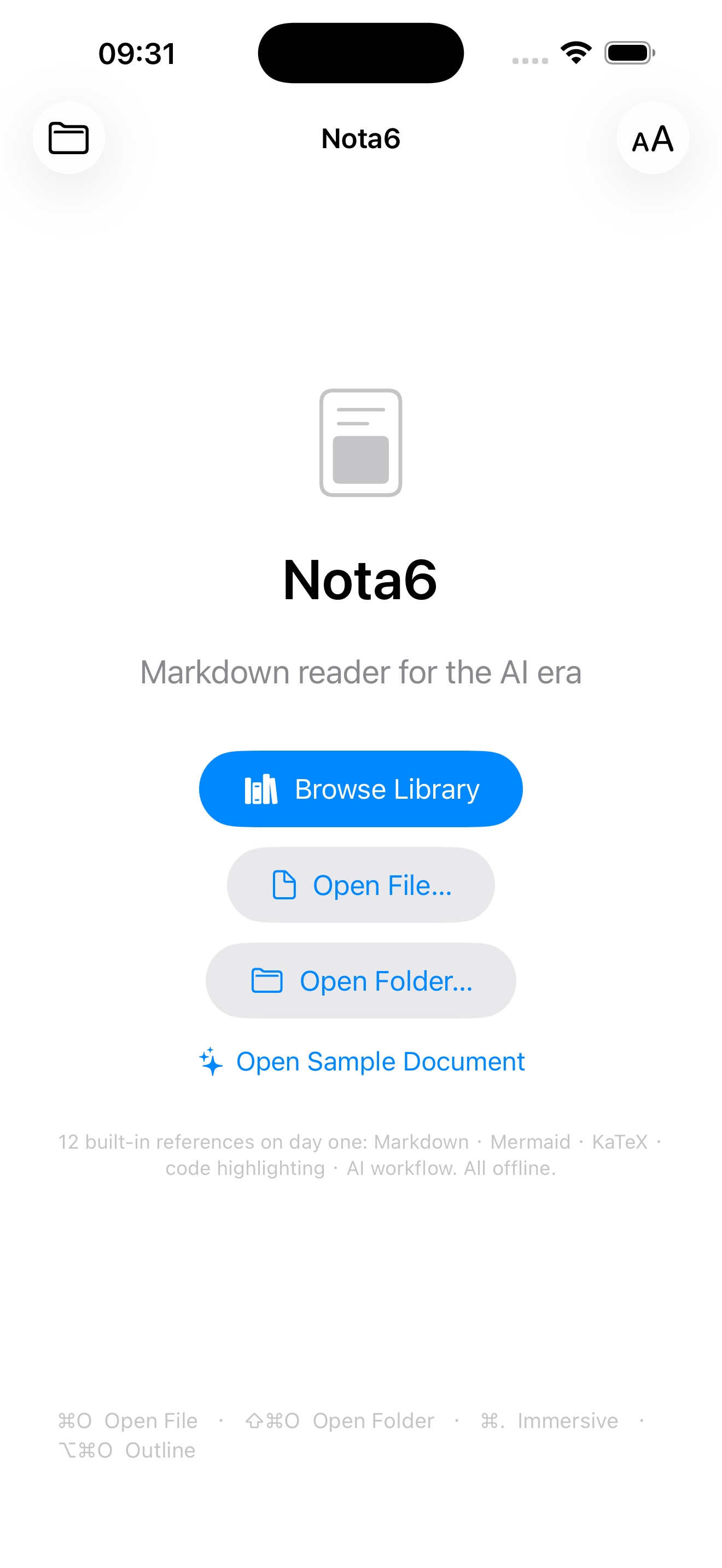
Markdown reader for the AI era · macOS · iPad · iPhone
Version 1.6.1 · macOS 14.0+ · iOS 17.0+
Nota6 is a read-only Markdown previewer for macOS, iPad
and iPhone, designed for the moment when AI tools like Cursor, Claude Code,
and Copilot generate piles of .md files that need to be
read, not edited.
New in 1.6 (since 1.2.1)
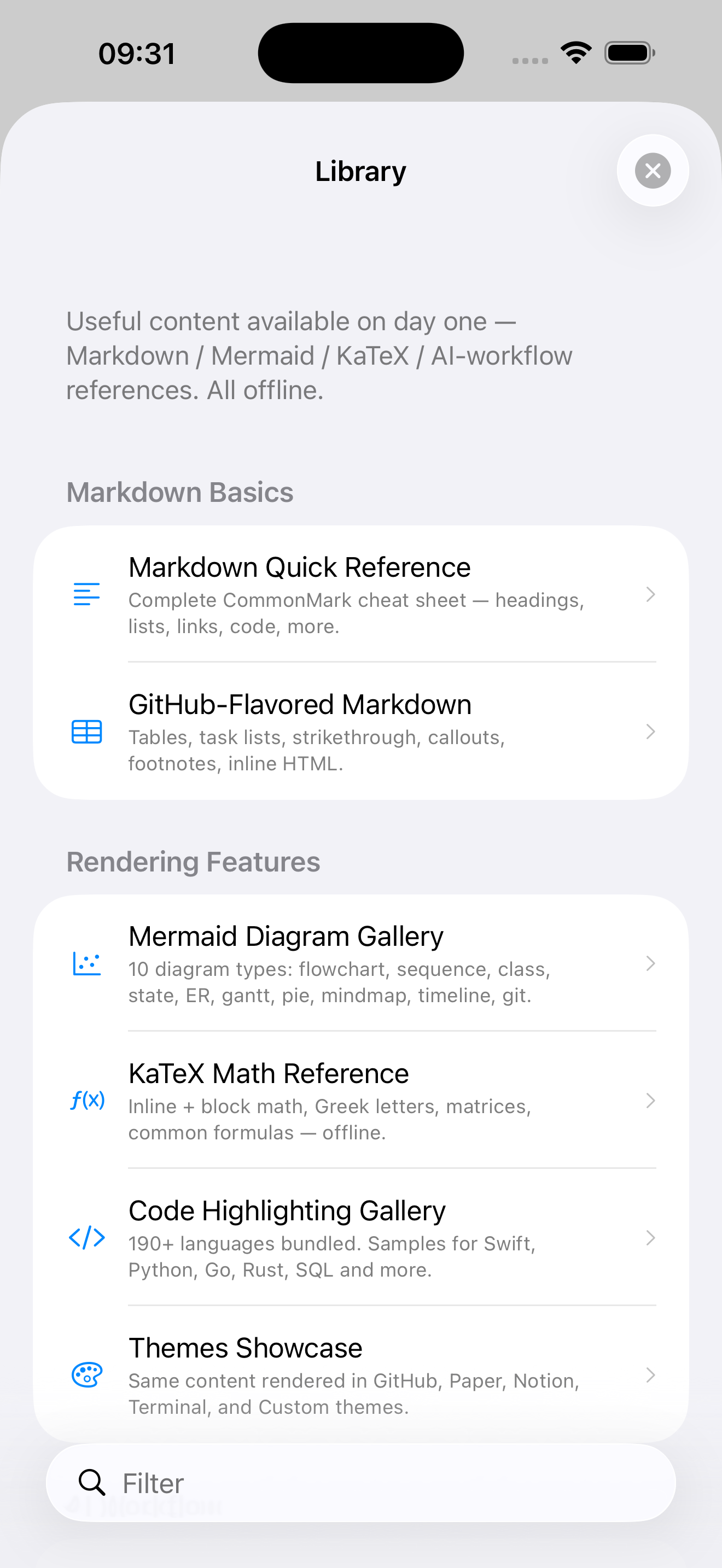
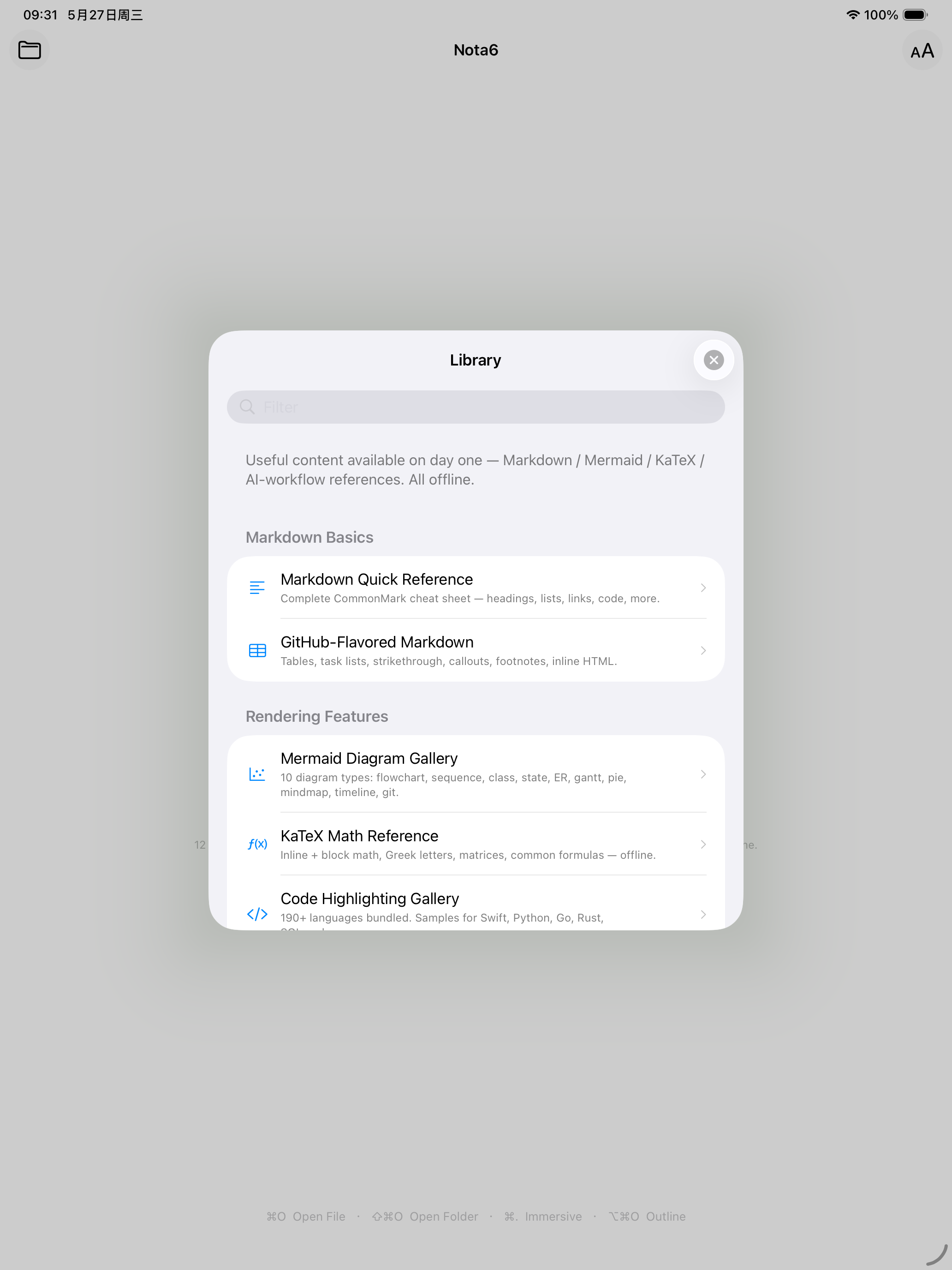
- Built-in Reference Library — 12 curated documents
(English + Simplified Chinese, available offline on day one):
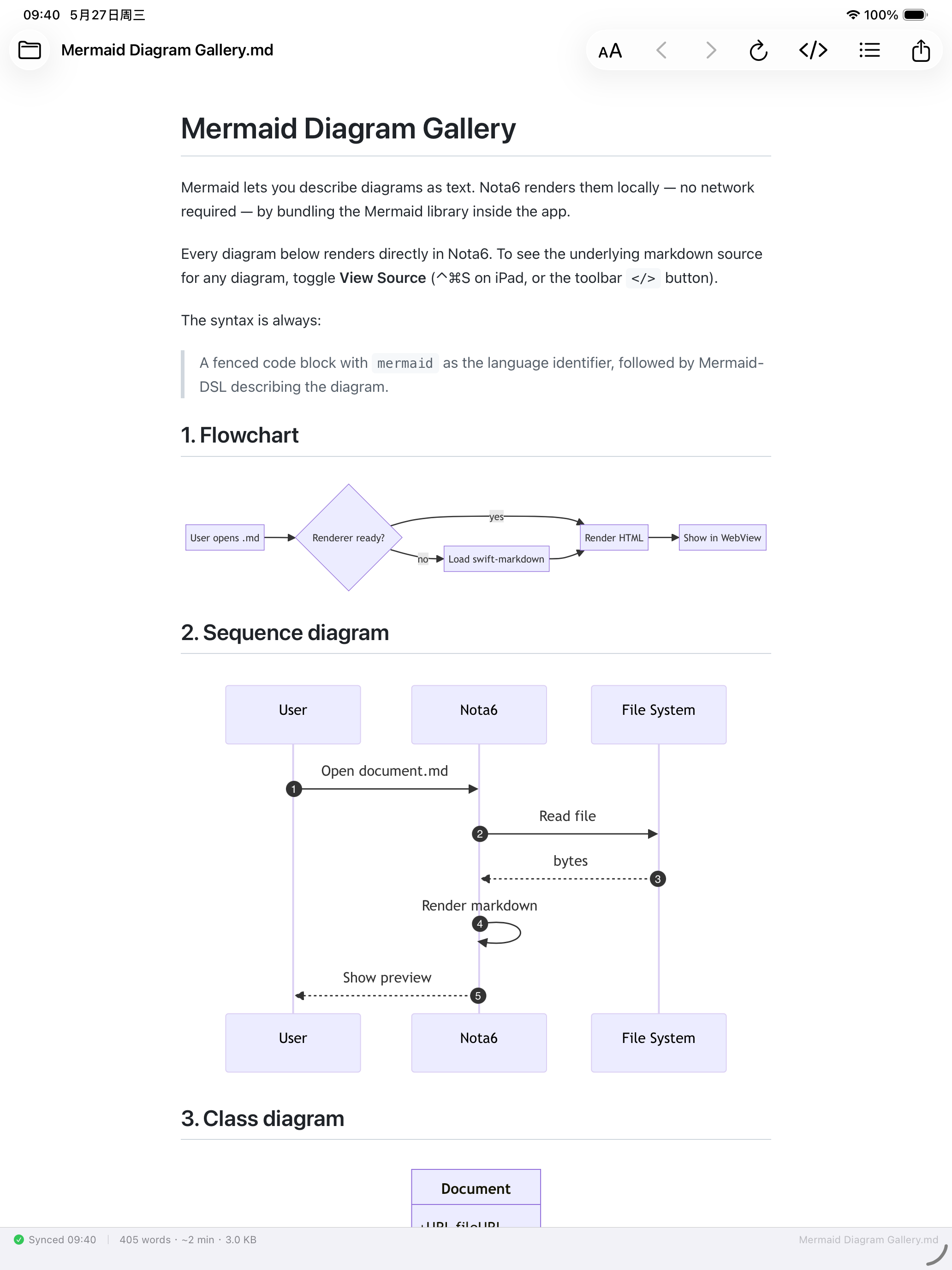
Markdown / GFM references, Mermaid Diagram Gallery (10 types),
KaTeX Math Reference, Code Highlighting Gallery, Reading
AI-Generated Markdown,
CLAUDE.md/AGENTS.mdspec, README / Design Doc patterns, Tips, Keyboard Shortcuts, Themes Showcase. Entry: Browse Library on the welcome screen, plus a sticky Library row at the top of the workspace sidebar. - View Source toggle (
⌃⌘S) — flip between rendered preview and raw markdown without leaving the window. Useful for copying snippets exactly or checking what an LLM produced. - swift-markdown parser — Apple's official AST-based
CommonMark + GFM parser replaces Ink (was 1.4 → 1.6). Dense
LLM-generated documents now parse correctly; inline-text
<NUMpatterns like<500/<10%no longer collapse the rest of the document into raw text. - mac File → New Window (⌘N) + Dock-click reopen — after closing the main window via the red button, reopen via menu / shortcut / Dock click. (mac convention catch-up.)
- Instant outline panel (1.6.1) — outline is computed during markdown parsing on the Swift side, no JS round-trip, no flash of empty panel.
- Nested code fences render correctly (1.6.1) — a
markdownblock containing amermaidexample keeps the inner fence as text instead of misextracting it. - Sidebar polish: workspace folder header lifted into the title bar, filter field is a thin-border capsule, focus auto-clears on file pick. Right-click row → Show in Finder / Copy Path.
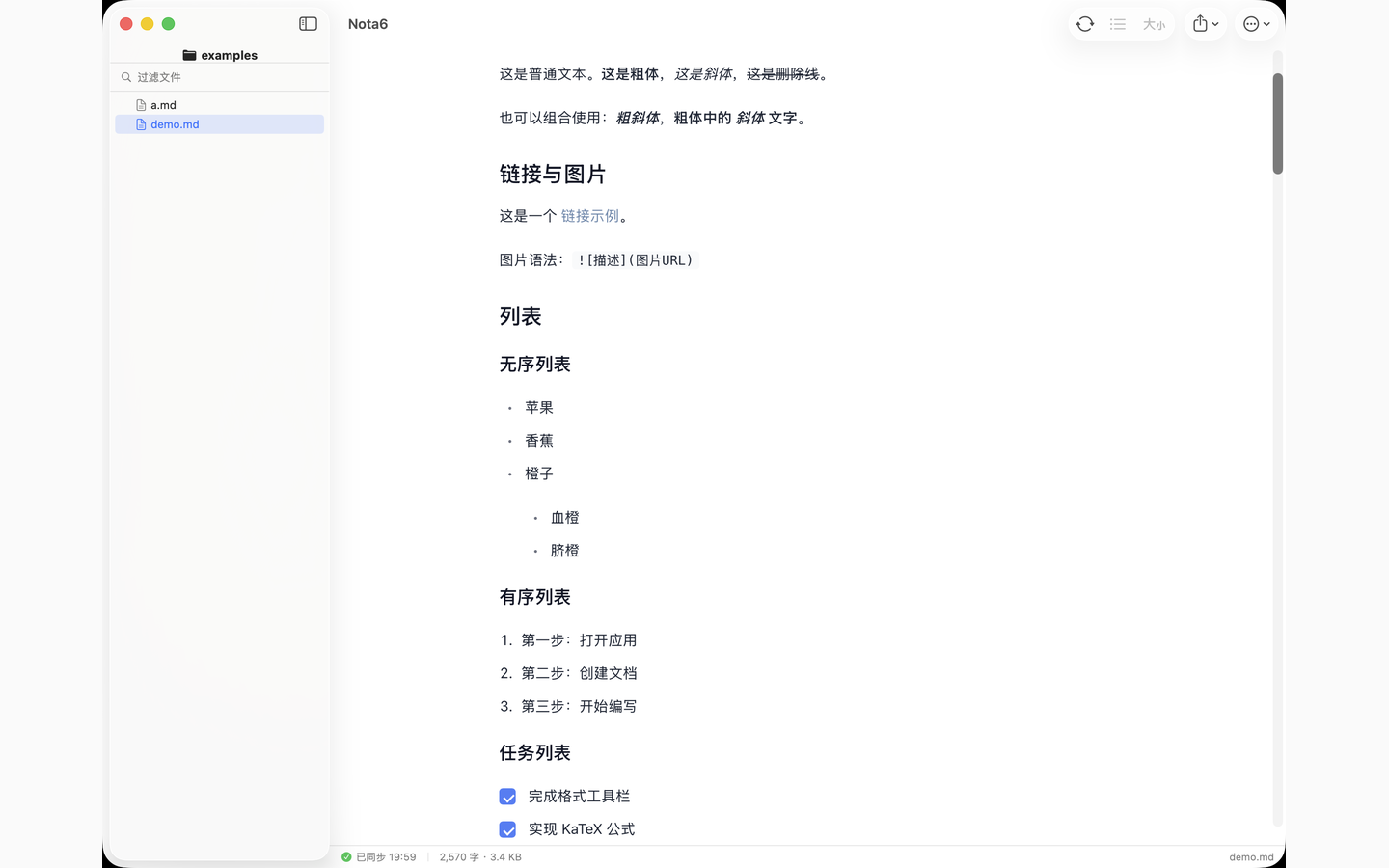
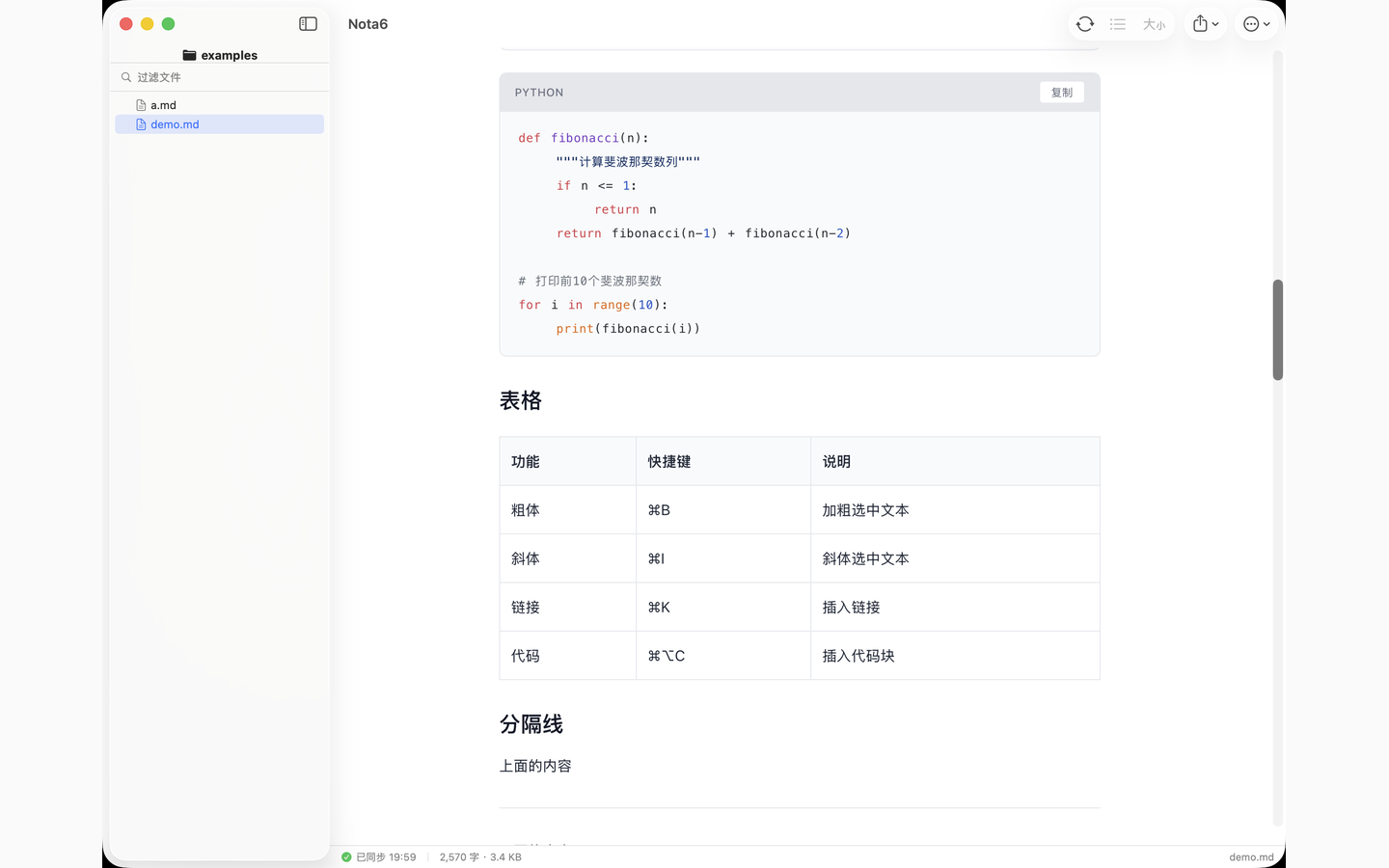
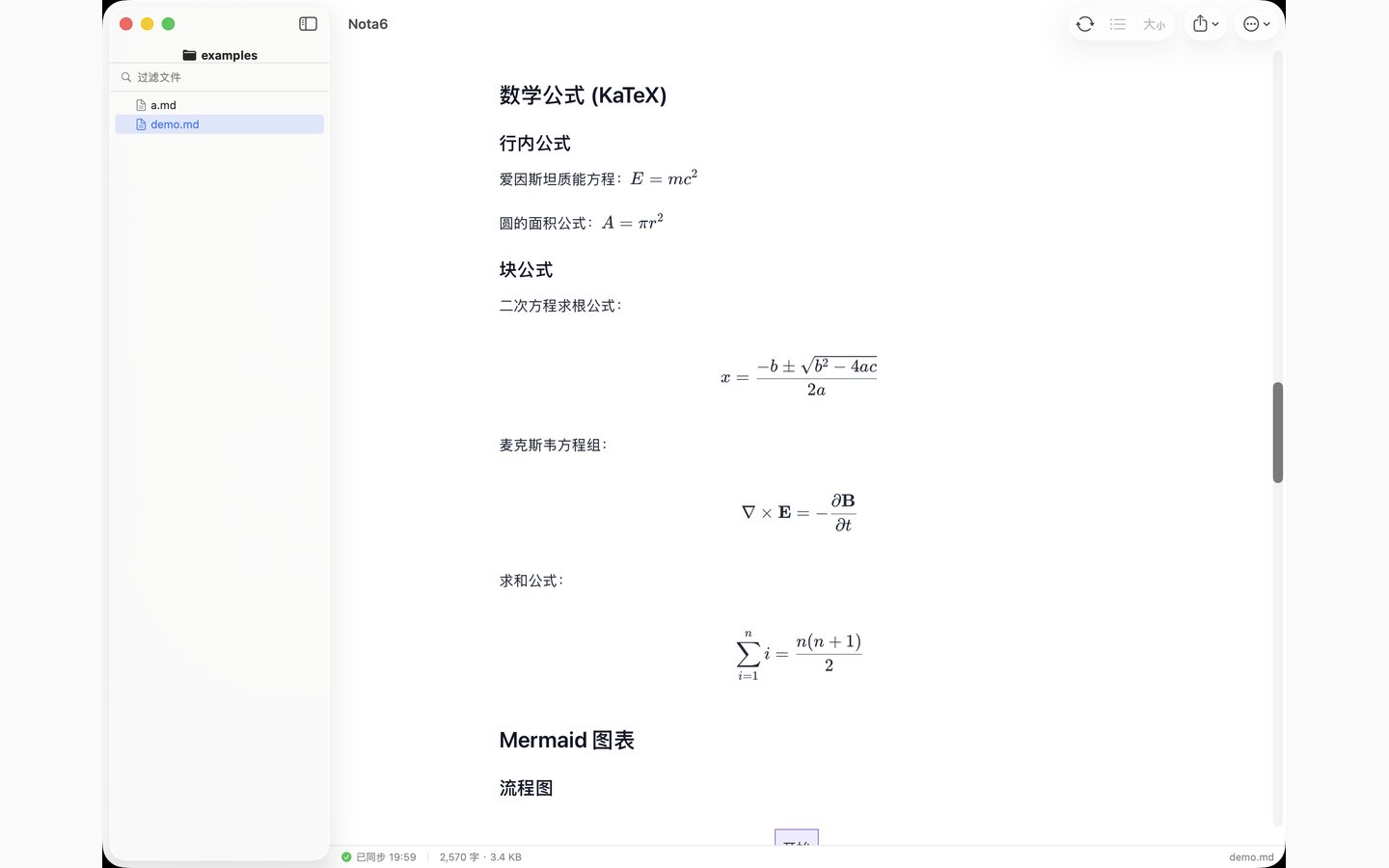
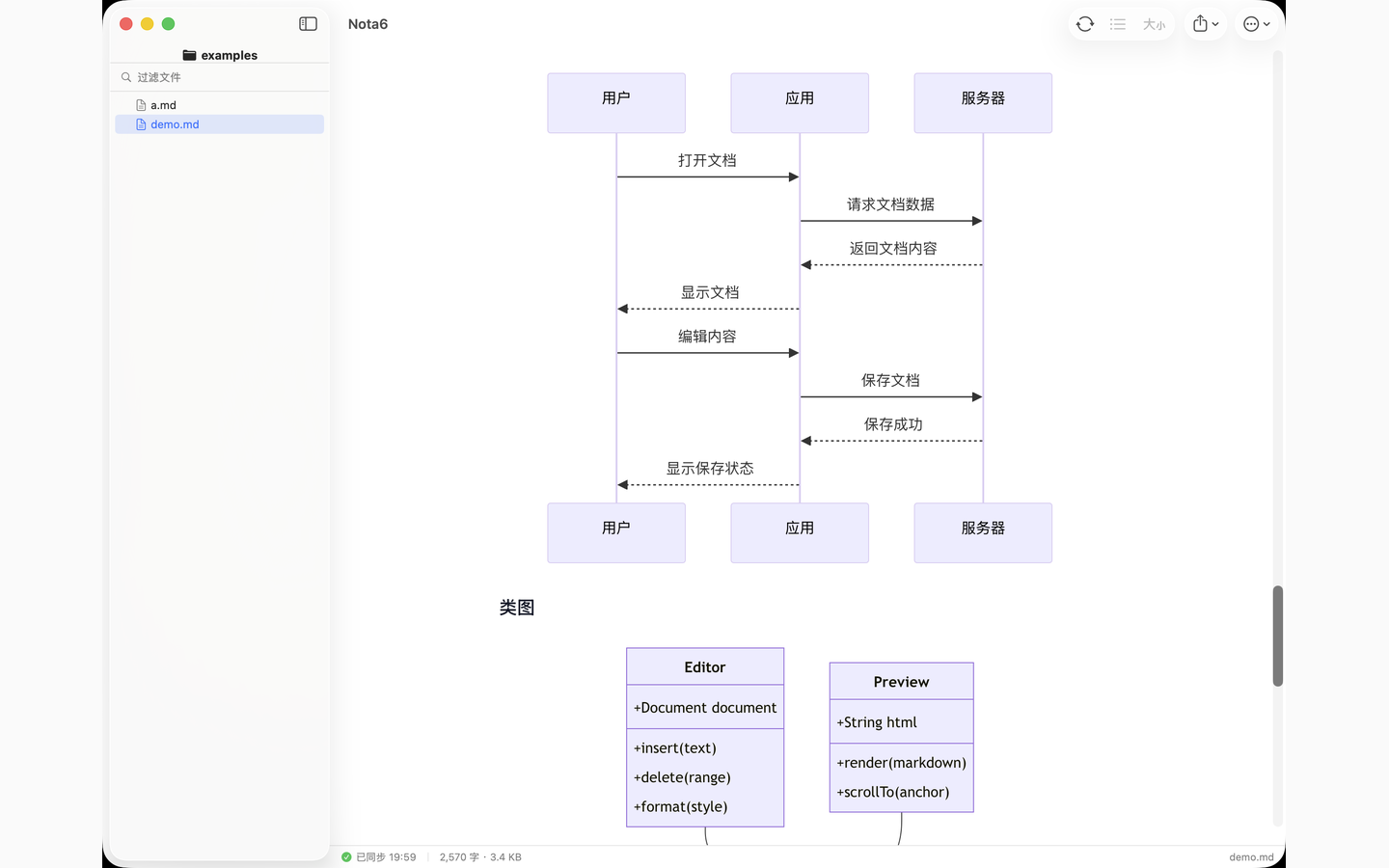
- Bundled welcome sample document — one-tap render of Mermaid + KaTeX + code + table + outline for first-launch users.
Core reading
- Double-click a
.md→ fully rendered page within ~300ms - Mermaid · KaTeX · highlight.js bundled offline, zero network for rendering
- 5 themes (GitHub / Paper / Notion / Terminal / Custom — pick body + monospace font + 4 colors), 4 font sizes, 3 reading widths
- Light / Dark / Auto — auto follows system live; Light or Dark force the page regardless
- Per-file scroll position persistence + per-file reading-progress dots in the workspace sidebar
- Outline panel (
⌥⌘O) with filter + scroll-synced highlight, dockable left or right - Floating breadcrumb above the preview when outline is closed
- Immersive mode (
⌘.) hides all chrome - Mermaid + image click-to-zoom modal; right-click / long-press → Copy / Save as PNG
- Back / Forward (
⌘[/⌘]) across internal Markdown links
AI workflow
- Auto-refresh on file change (file watcher); atomic-write editors like vim / Cursor handled
- Diff highlight on auto-refresh — only the blocks that changed get a brief amber flash
- Smart scroll anchor on auto-refresh — keeps you on the same heading even when length shifts
- Workspace folder browsing with
⌘Pquick switcher - Workspace-wide full-text search (
⌘⇧F) — macOS + iPad - Internal Markdown links jump within Nota6
nota6://open?path=…&heading=…deep links: right-click any heading → Copy Link to Section
Share / export
- Copy as Rendered (HTML + RTF + Plain — paste into Slack / Notion / email with formatting)
- Save selection as PNG (2× retina) on both macOS and iOS
- PDF / HTML export — async via WKWebView.createPDF, UI never freezes; macOS uses Save panel, iOS uses the system share sheet
System reach (macOS)
- QuickLook preview plugin (Finder spacebar uses Nota6's renderer)
- Finder thumbnails for
.mdfiles nota6CLI:nota6 file.md/nota6 docs/- URL scheme:
nota6://open?path=...[&heading=...] - macOS Services menu: select text in any app → "Preview as Markdown in Nota6"
- Optional reopen-last-file-on-launch
- Set as default
.mdapp from the welcome screen
iPad + iPhone (universal, 1.6.1)
- Same renderer pipeline as the Mac app — Mermaid, KaTeX, code highlighting, themes all carry over
- iCloud sync of reading preferences across iPhone / iPad / Mac
- App Intents on iPad / iPhone — automate "Open Markdown File" / "Export as HTML" from Shortcuts
- Files / Safari / Mail "Open in Nota6" share-sheet integration
- Full hardware-keyboard parity on iPad:
⌘O/⇧⌘O/⌘F/⌘P/⌥⌘O/⌘R/⌘[/⌘]/⌘W/⌃⌘S(View Source). Press-and-hold⌘for the Discoverability HUD. - Status bar with word count + estimated reading time (CJK-aware)
- Workspace sidebar (iPad) with capsule filter field, pull-to-refresh, per-file reading-progress dots, bookmark self-heal
Screenshots — macOS
Screenshots — iPad + iPhone